May 2026
Data Products, Databricks, and Seamless Planning
Forecasting is only as good as the data behind it — and for many companies, getting the right data to the right place at the right time can still be hard. Sales actual data lives in on-premise BW, machine learning runs in Databricks, and planning happens in SAC. Stitching these together typically means copying data across systems and maintaining complex pipelines.
With SAP Business Data Cloud, it becomes possible to build a fully integrated forecasting workflow without a single unnecessary data copy. In this article, I’ll walk through exactly that: an end-to-end scenario in which a planner can trigger an AI-generated sales forecast and work with it in SAC, all with a single button click.
The business scenario focuses on generating an Ice Cream sales forecast, built on sales actual data from BW and weather forecast data loaded from an external service. An ML model in Databricks – trained on historical sales figures and weather parameters – takes the weather forecast for the coming month and produces a corresponding sales forecast.
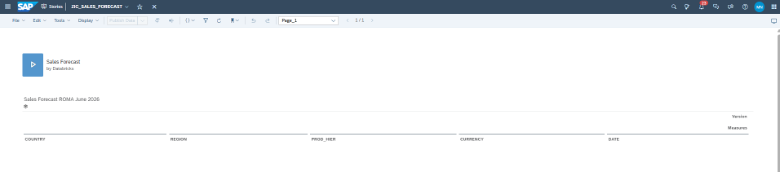
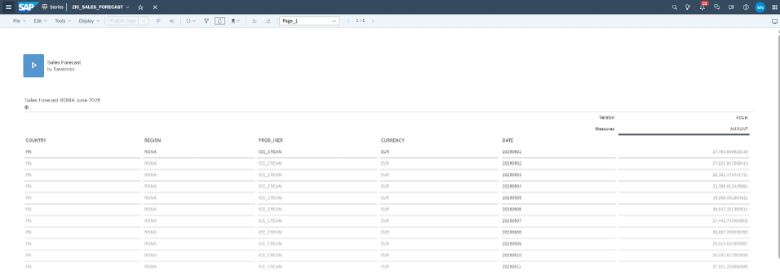
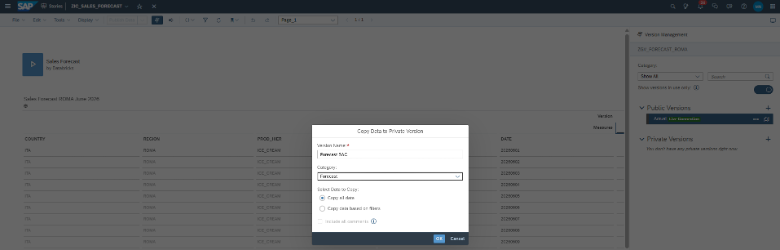
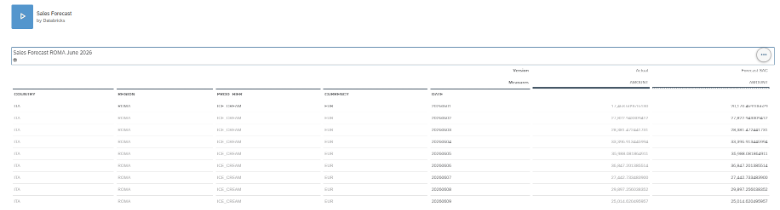
The end user works within an SAC story, launching the forecast calculation with a single button and directly analyzing the results.
Technically, the scenario unfolds in five steps:
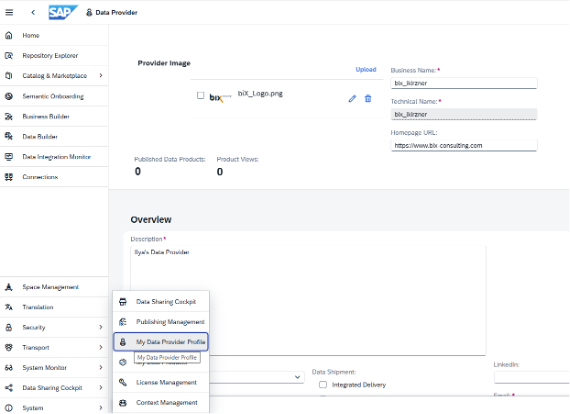
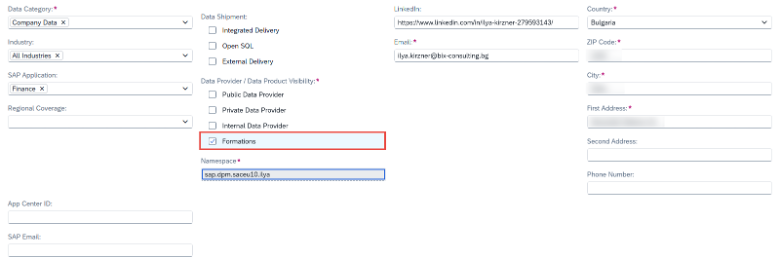
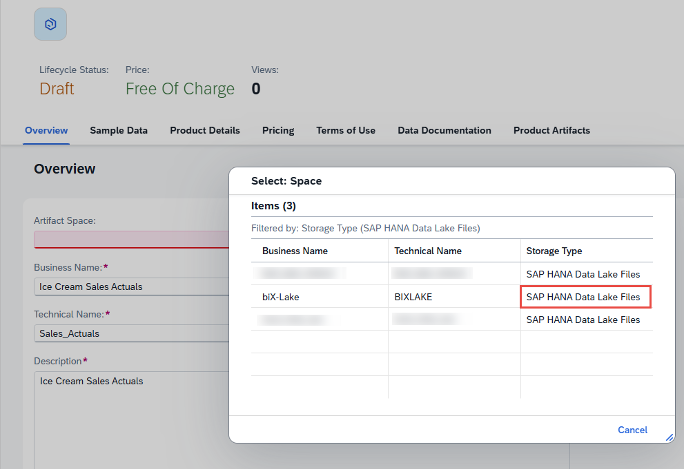
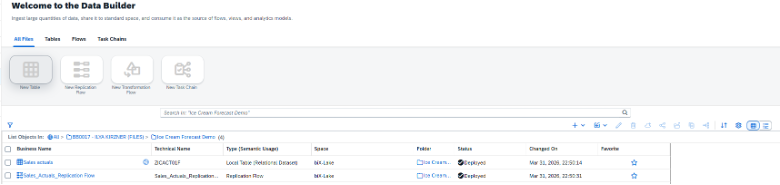
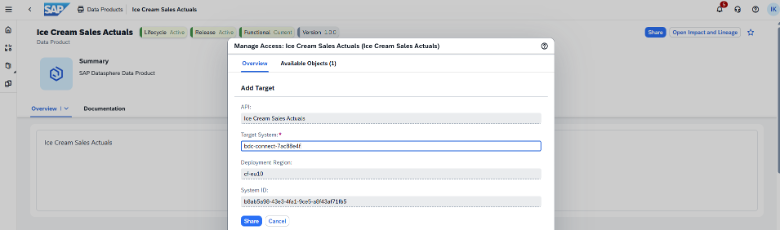
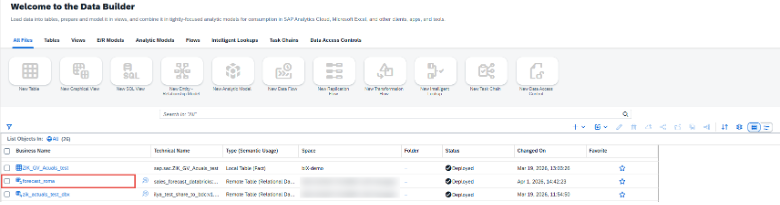
- Setting up Data products: sales actual data in Datasphere, sales forecast in Databricks.
- Modeling in Datasphere.
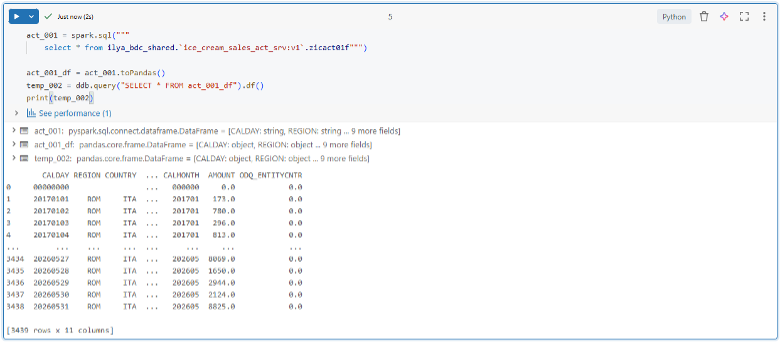
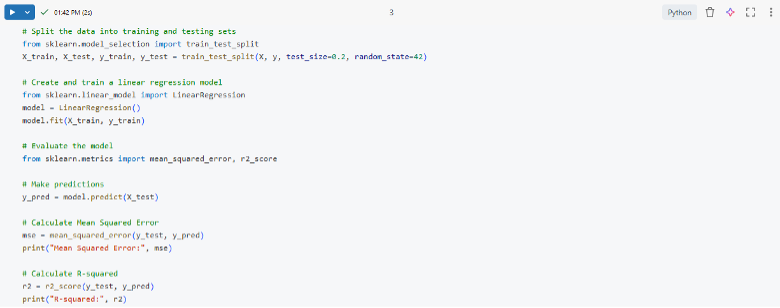
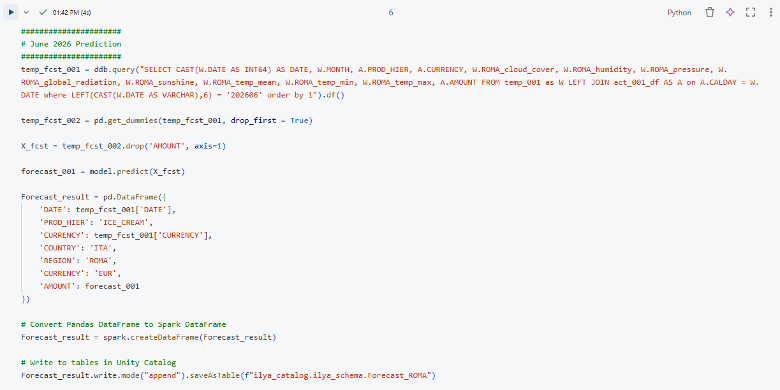
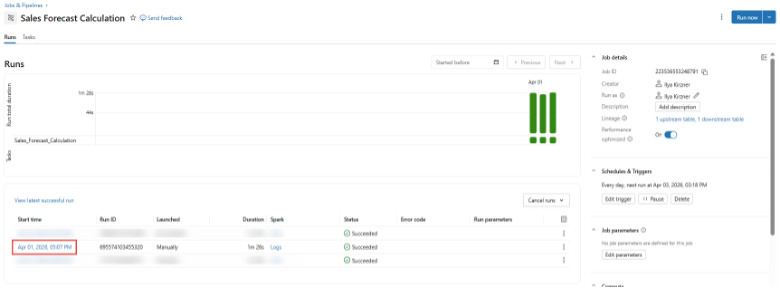
- Calculating the sales forecast in Databricks.
- Building a Seamless Planning model in SAC.
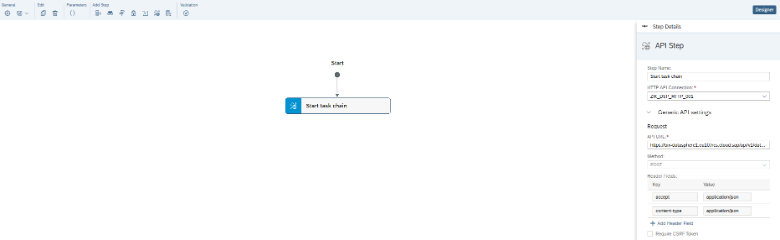
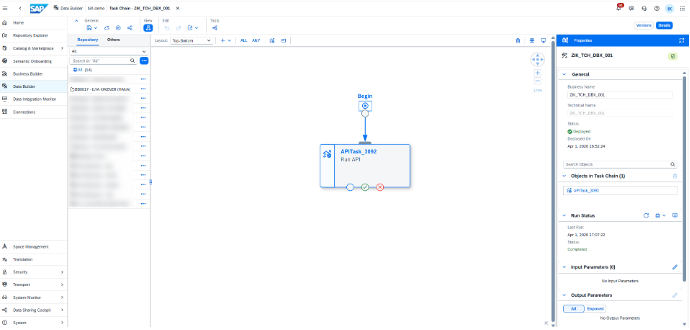
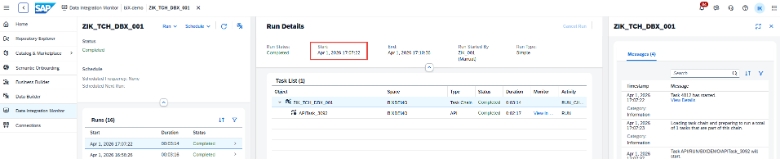
- Automating the process flow with Multi-actions and Task Chains.
End-to-end architecture is shown on the schema below:
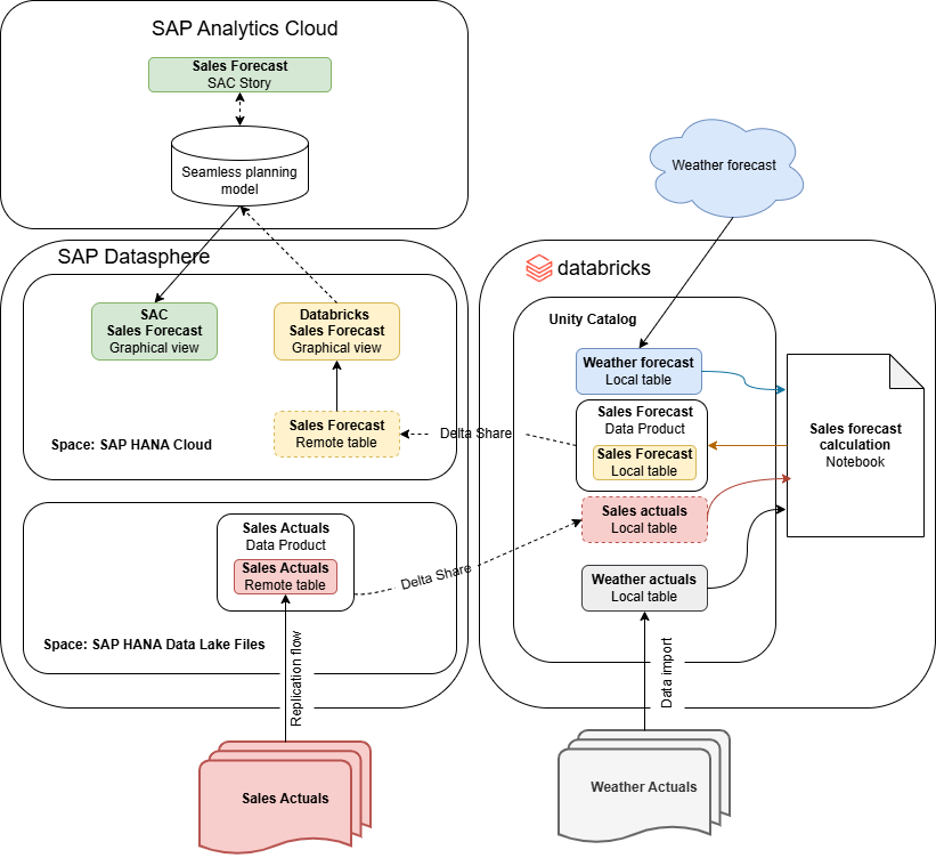
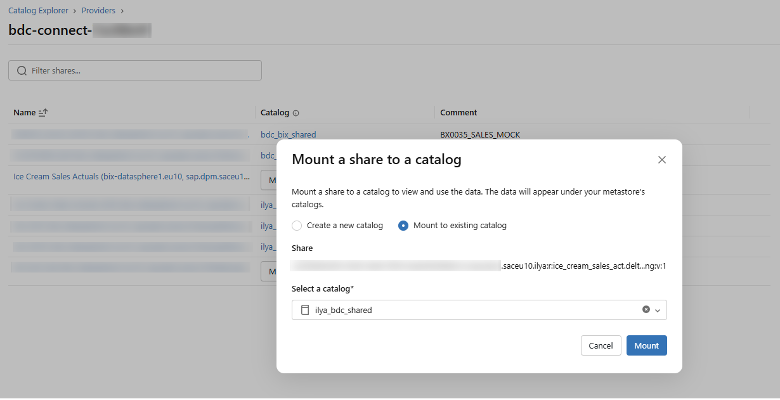
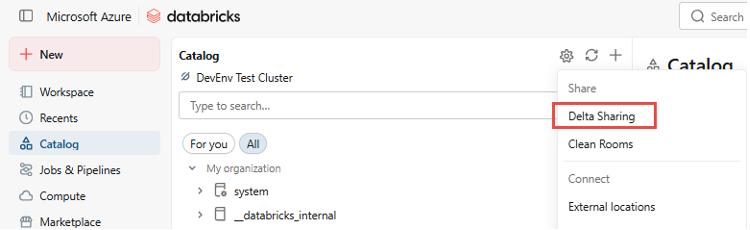
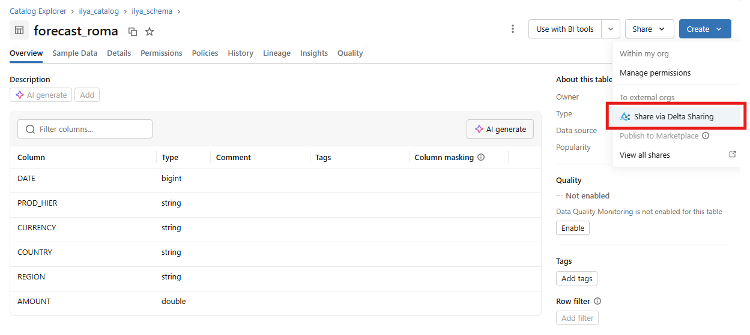
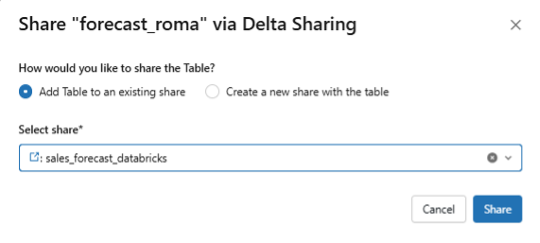
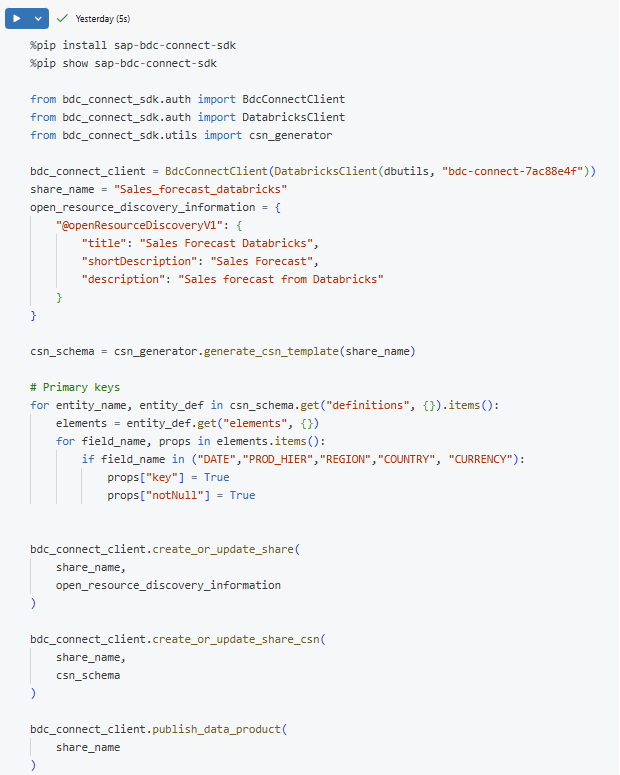
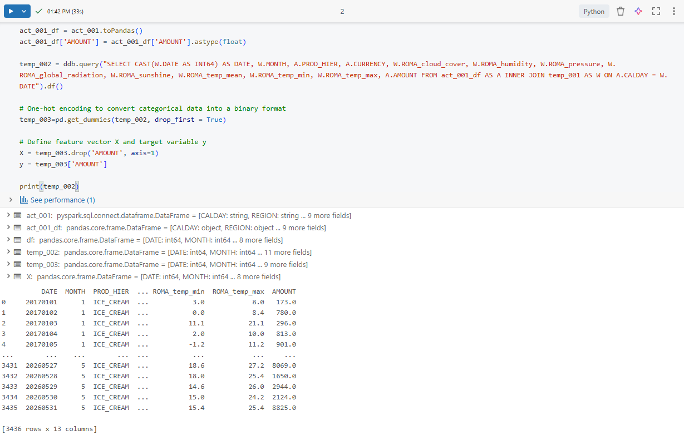
Datasphere ingests the sales actual data from BW, wraps it as a Data product, and shares it with Databricks. There, it is combined with historical weather parameters – sourced from an external service – to produce the dataset used for ML model training. Given the weather forecast, the pre-trained model generates the sales forecast, wraps it as a Data Product, and shares it back with Datasphere.
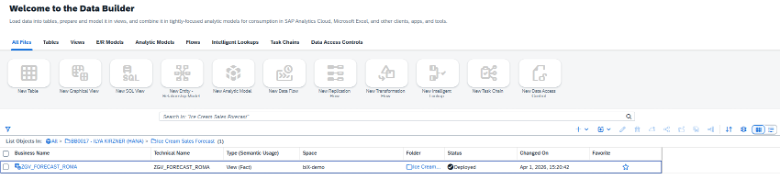
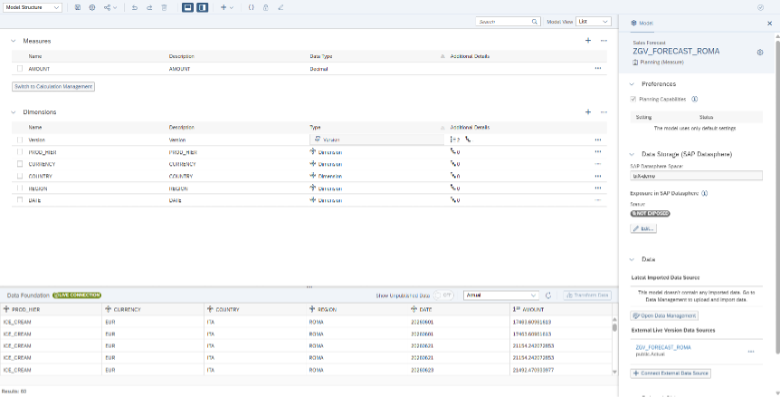
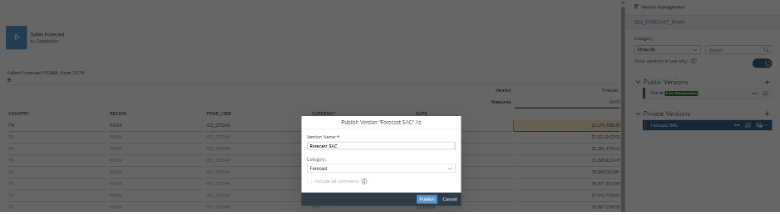
A Seamless planning model, built on top of a Datasphere view, reads the generated forecast in real time and allows planners to create new planning versions with the required adjustments.
Let’s dive into the details.